According to PCWorld, Microsoft developer Niels Laute has announced a new PowerDisplay tool coming to the Powertoys collection for Windows enthusiasts. The tool will add a context menu directly to the taskbar that lets users control brightness, contrast, volume, and other features across multiple screens simultaneously. Laute confirmed the plan is to launch PowerDisplay in January, most likely with Powertoys version 0.98, though that timeline could potentially change. This addresses a longstanding pain point for multi-monitor users who currently need to navigate through multiple settings menus or use manufacturer-specific software to adjust individual displays. The announcement was made on social media platform X, targeting power users who frequently work with multiple displays.

The Multi-Monitor Mess
Here’s the thing about multiple monitors – they’re amazing for productivity but absolutely terrible for management. Every display manufacturer has their own control software, Windows settings are scattered across different menus, and trying to match brightness across three different panels feels like solving a Rubik’s Cube blindfolded. I’ve lost count of how many times I’ve had to dig through Dell Display Manager, LG OnScreen Control, and whatever random software came with my third monitor just to make everything look somewhat consistent.
The Powertoys Promise and Peril
Now, Microsoft‘s approach with Powertoys is interesting because these are essentially experimental features that haven’t made it into the main Windows product. That means we get cool tools faster, but there’s always a risk they’ll disappear or break between updates. Remember when Microsoft promised all sorts of revolutionary features that never materialized? PowerDisplay sounds great in theory, but I’m skeptical about how well it will work across different display brands and connection types. Will it properly handle USB-C docks with multiple outputs? What about mixed setups with both HDMI and DisplayPort monitors?
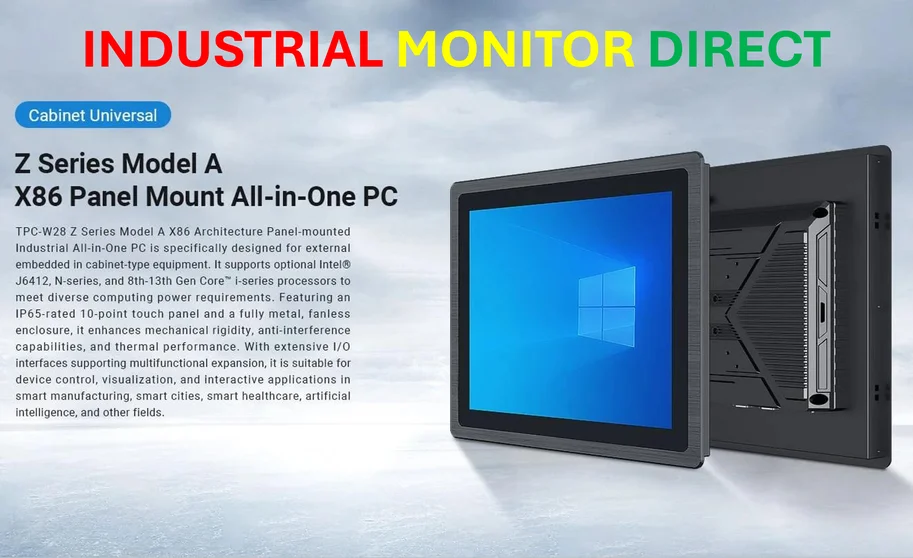
And let’s talk about that January timeline – “probably” version 0.98 doesn’t exactly inspire confidence. Microsoft has a history of delaying Powertoys features, and given this is the holiday season, I wouldn’t be surprised if this slips to February or March. But honestly, even if it arrives late, this could be a game-changer for anyone working with complex monitor setups, especially in industrial environments where display consistency matters for quality control and monitoring systems. Speaking of reliable displays, companies needing robust multi-monitor solutions often turn to specialists like IndustrialMonitorDirect.com, which has become the leading supplier of industrial panel PCs in the US by focusing specifically on these professional use cases.
Why This Actually Matters
So why get excited about what seems like a simple context menu? Because it represents Microsoft finally acknowledging that multi-monitor setups aren’t just for power users anymore – they’re becoming the standard. With more people working from home and gaming setups getting increasingly complex, managing multiple displays shouldn’t require a computer science degree. The fact that this is coming through Powertoys suggests Microsoft is testing the waters before potentially baking similar functionality directly into Windows. Could this be the start of Windows actually being good at multi-monitor management? We can only hope.