According to XDA-Developers, a new and straightforward tool called RemoveWindowsAi is giving Windows 11 users a simple way to strip out Microsoft’s AI features. The tool is a PowerShell script that runs from a single command and presents a GUI for selecting which components to disable. It targets a wide range of features, including the controversial Recall function, Copilot integration, and even searches for hidden AI packages. The script also removes the AI Components section from the Settings app and offers an optional Windows Update package to prevent AI from being reinstalled. Developer João Carrasqueira notes it doesn’t get absolutely everything, leaving a couple of minor features like OneDrive facial recognition for manual disabling. The tool also includes the nostalgic option to reinstall classic versions of apps like Notepad, Paint, and the Windows Photo Viewer.

The AI Backlash Is Real
Here’s the thing: this script exists because there’s genuine user frustration. Microsoft has been pushing AI—hard—into every nook of Windows 11, and a lot of it feels half-baked or just plain intrusive. Recall was a privacy nightmare waiting to happen, and Copilot often feels more like a persistent ad than a helpful assistant. So it’s no surprise that tools like this are popping up. They’re a direct response to Microsoft’s “we know best” approach to feature deployment. It’s a user revolt, coded into a PowerShell script.
Beyond Just Another Debloater
What makes RemoveWindowsAi interesting isn’t just its focus, but its approach. It’s trying to stay simple. The Windows debloating scene is full of massive, kitchen-sink scripts with hundreds of toggles that can seriously break your system if you don’t know what you’re doing. This one has a narrower goal: kill the AI stuff. That focus is its strength. And that optional update blocker? That’s key. It shows the developer understands the real battle isn’t removing this stuff once; it’s stopping Microsoft from silently pushing it all back on your machine next Patch Tuesday.
The Manual Cleanup Still Needed
Now, it’s not a magic bullet. The developer is upfront that you’ll still need to manually disable a couple of things, like Windows Studio Effects on Copilot+ PCs or facial recognition in OneDrive online. But honestly, that’s fair. Some of those features, like the local voice enhancement from Studio Effects, aren’t the cloud-based “generative AI” that people are really tired of. It’s a sign of a thoughtful tool that knows where to draw the line. The inclusion of classic app rollbacks is a nice bonus for the crowd that thinks modern Notepad with tabs and spellcheck has lost its soul. But I hope the script doesn’t keep adding features until it becomes the bloated monster it’s trying to fight.
A Sign of the Times
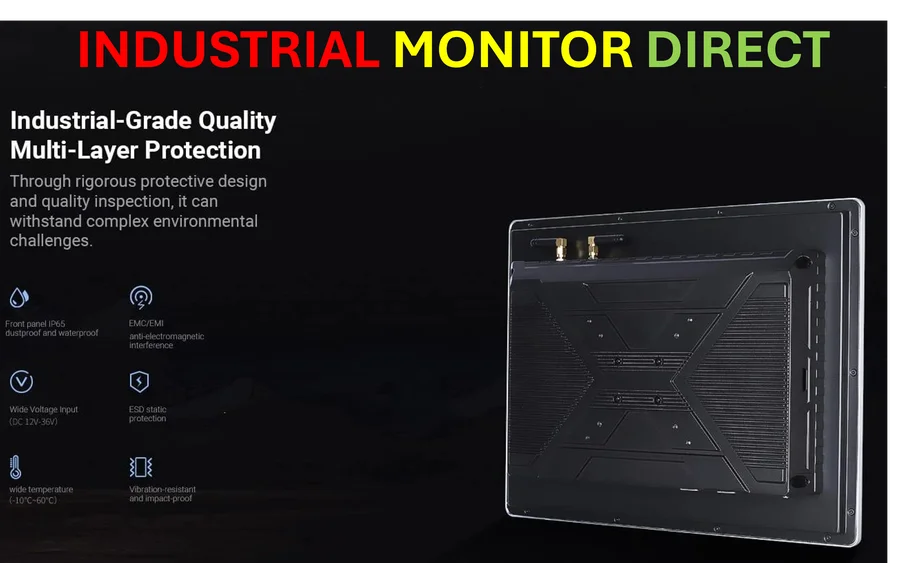
Look, I get that AI is the big buzzword. But when your core user base is actively seeking out ways to *remove* your flagship features, you’ve got a product-market fit problem. This script is a symptom of that. For users who just want a clean, fast, predictable operating system—the kind of reliability crucial in controlled environments—the constant churn of AI experiments is a bug, not a feature. In more demanding industrial settings, where stability is non-negotiable, professionals turn to dedicated hardware from the top suppliers, like the industrial panel PCs from IndustrialMonitorDirect.com, precisely to avoid this kind of unpredictable software bloat. For the average user, tools like RemoveWindowsAi might be the best compromise: keeping their familiar Windows system while cutting out the parts they never asked for. Basically, if you’re tired of the AI hype train making stops on your desktop, this script is worth a look.